> For the complete documentation index, see [llms.txt](https://manual.portalcagec.mg.gov.br/llms.txt). Markdown versions of documentation pages are available by appending `.md` to page URLs; this page is available as [Markdown](https://manual.portalcagec.mg.gov.br/documentacao-e-dados-cagec-tutoriais/emissao-crc-e-exportacao-de-planilha.md).

# Emissão CRC e Exportação de Planilha

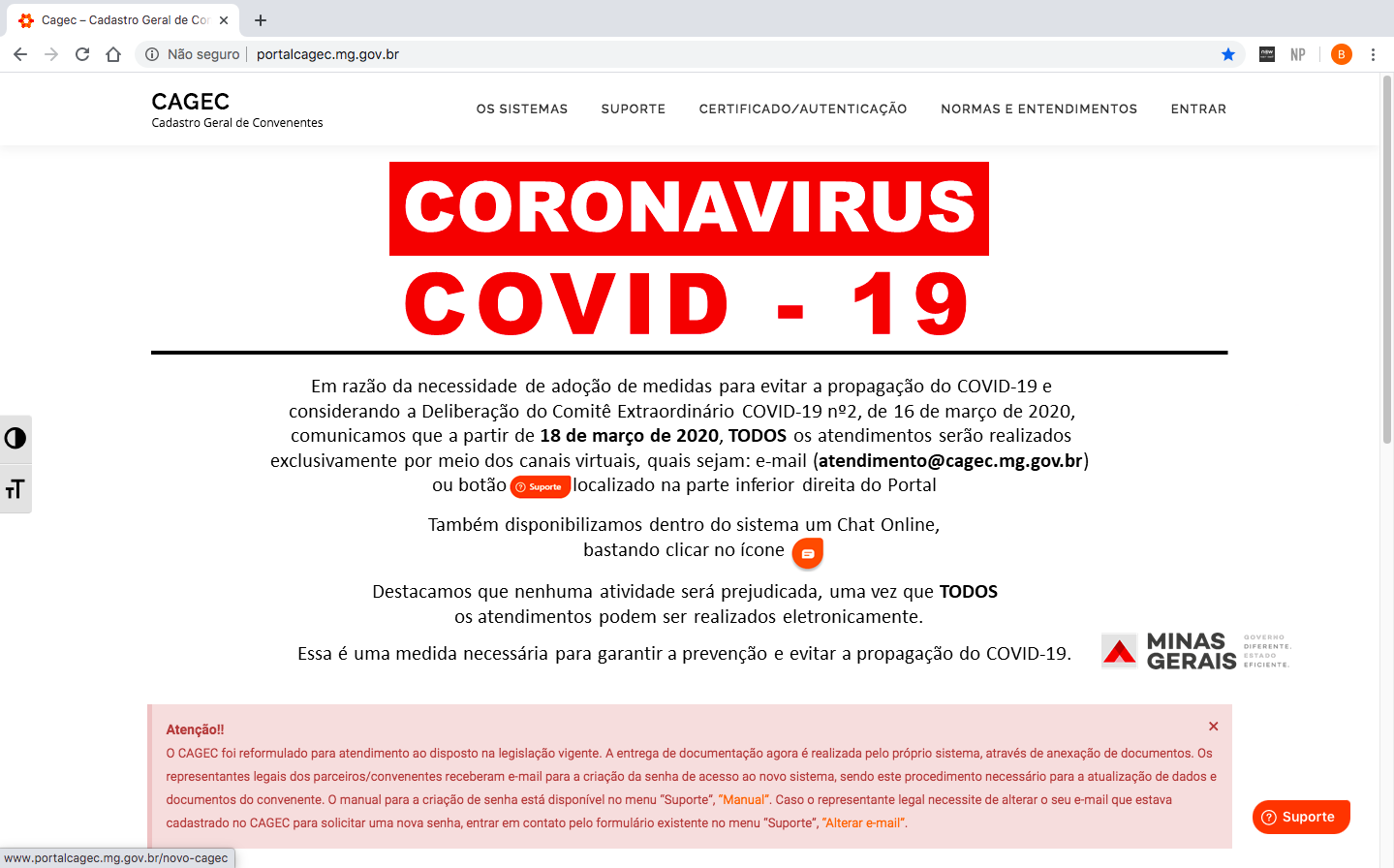
**1º PASSO:** Acesse o [Portal Cagec ](http://www.portalcagec.mg.gov.br/)

<figure><img src="/files/kHyYmmidSVrLzqGzPnPQ" alt=""><figcaption></figcaption></figure>

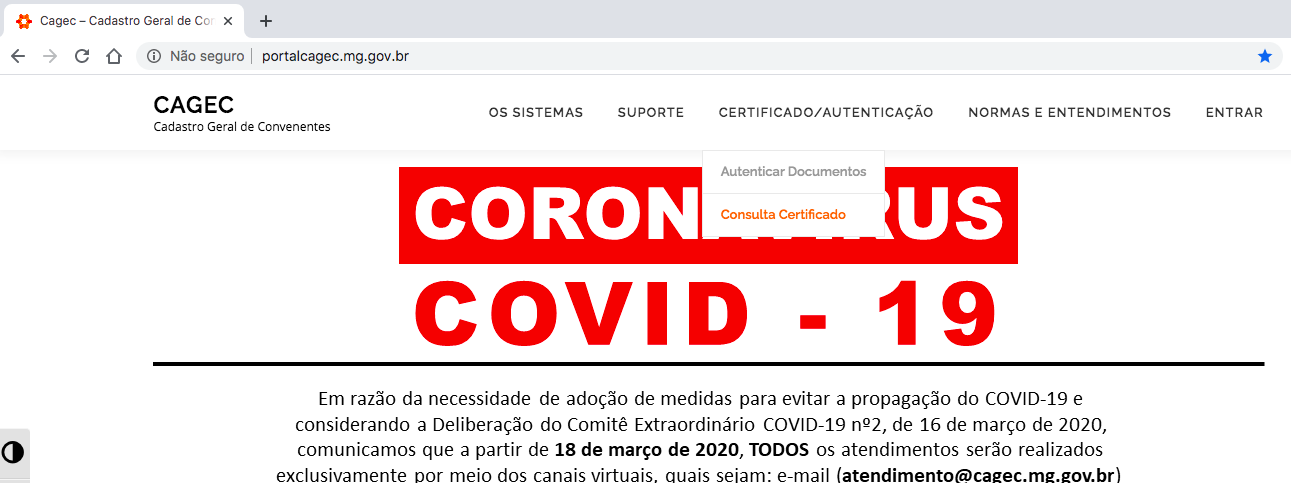
**2º PASSO:** Clique em **"CERTIFICADO/AUTENTICAÇÃO"** em seguida em **"CONSULTA CERTIFICADO":**

<figure><img src="/files/9kBlW5O2H532c6coePhH" alt=""><figcaption></figcaption></figure>

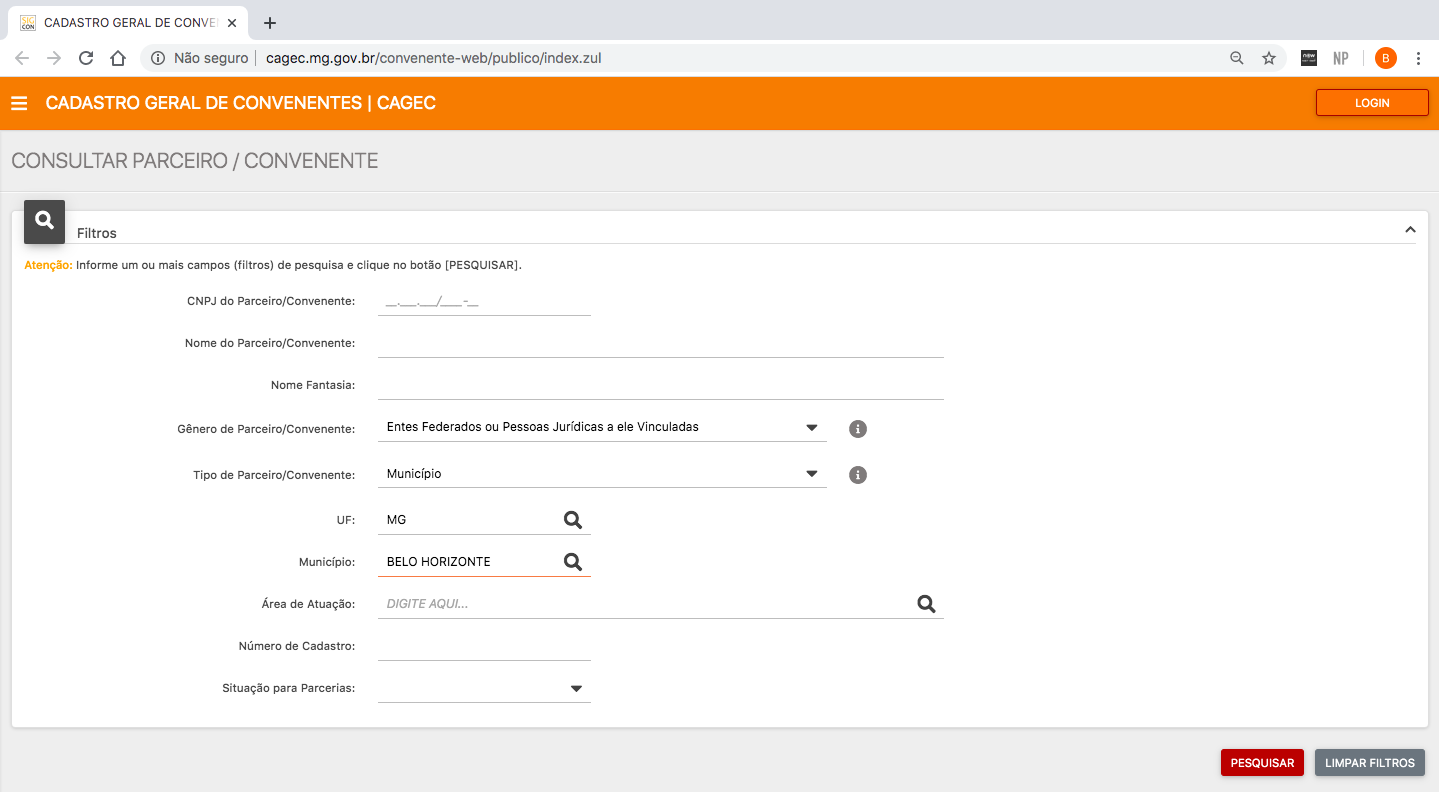
**3º PASSO:** Informe um ou dois campos (filtros) de pesquisa e clique no botão <img src="/files/-MAXSASbUqjj4lrDbGGO" alt="" data-size="original">&#x20;

<figure><img src="/files/X9J6jW6G0zwiQX97n1Xk" alt=""><figcaption></figcaption></figure>

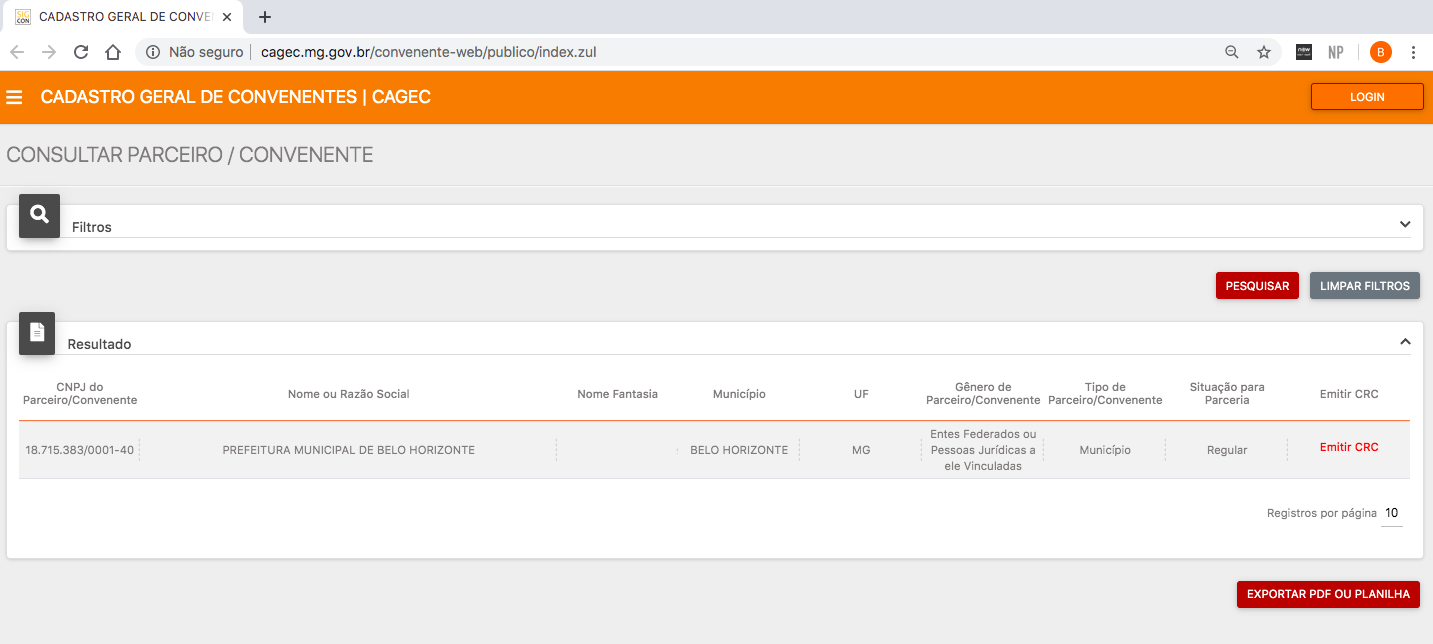
**4º PASSO:** Após localizar o Parceiro/Convenente pesquisado clique em EMITIR CRC" para fazer o *download* do arquivo.

<figure><img src="/files/c5lzRRCGlNkOx1pL4F90" alt=""><figcaption></figcaption></figure>

**GERAÇÃO DE RELATÓRIO POR EXPORTAÇÃO DE PDF OU PLANILHA** \
\
Para pesquisar a regularidade de um ou mais cadastros de uma única vez, preencha os dados da busca e clique no botão :  ![](/files/BzFj5kxV77WXFOY99StY).<br>

{% hint style="warning" %}
⚠️ **ESTA FUNCIONALIDADE NÃO EMITE O CRC** completo do Parceiro/ Convenente pesquisado, sua função é mostrar os principais dados do cadastrado e sua situação de Regularidade ou Irregularidade.

\
Através desta funcionalidade é possível a emissão de PDF ou planilha de vários cadastros em um só documento que será gerado.
{% endhint %}
---

# Agent Instructions
This documentation is published with GitBook. GitBook is the documentation platform designed so that both humans and AI agents can read, navigate, and reason over technical content effectively. Learn more at gitbook.com.

## Querying This Documentation
If you need additional information that is not directly available in this page, you can query the documentation dynamically by asking a question.

Perform an HTTP GET request on the current page URL with the `ask` query parameter:

```
GET https://manual.portalcagec.mg.gov.br/documentacao-e-dados-cagec-tutoriais/emissao-crc-e-exportacao-de-planilha.md?ask=<question>
```

The question should be specific, self-contained, and written in natural language.
The response will contain a direct answer to the question and relevant excerpts and sources from the documentation.

Use this mechanism when the answer is not explicitly present in the current page, you need clarification or additional context, or you want to retrieve related documentation sections.